
How Game Animators Affect Gaming Performance

Game animation is more than making characters look alive. Every walk cycle, attack, facial expression, and environmental movement must be calculated, updated, and rendered while the game is running. This means animation choices can influence CPU usage, GPU workload, memory consumption, and ultimately frame consistency.
Understanding game animators performance is therefore essential when developing responsive games, particularly RPGs filled with animated characters, enemies, effects, and interactive environments. As Unity’s documentation notes, “The choices that you make can affect the performance of your game.”
Animation and Game Performance
Animation sits within the broader real-time rendering pipeline. Complex animation graphs, skeletal calculations, inverse kinematics (IK), blending, and physics-driven movement can consume valuable processing time. When dozens or hundreds of animated objects are active simultaneously, small costs can accumulate into noticeable frame-time spikes.
Character Animation Systems
Character animation systems determine how movement data is processed and transformed into visible motion. State machines, animation controllers, blend trees, IK, and procedural systems can create remarkably fluid characters, but each mechanism adds computational overhead.
For example, an RPG character may transition between idle, walking, running, attacking, blocking, and dodging states. Efficient systems avoid unnecessary evaluations while maintaining responsive transitions. Unity specifically recommends limiting unnecessary Animator layers and avoiding expensive Rebind operations because they can introduce CPU spikes.
Animation Complexity
Animation complexity depends on more than the number of animation clips. Bone counts, character counts, blend operations, IK calculations, state-machine logic, and animation updates all contribute to workload.
A highly detailed hero with sophisticated facial rigs may be perfectly acceptable when alone on screen. Place fifty similarly complex characters into a crowded dungeon, however, and the animation impact on performance can become substantial. Unreal Engine documentation similarly notes that blending, IK, physics simulations, and other animation processes consume part of the performance budget.
Real-Time Rendering
Real-time rendering requires every visible frame to be produced within a strict time budget. Animation interacts with this process by updating character transforms, skeletal meshes, materials, and other visual components before the frame reaches the player.
This is why beautiful animation cannot be considered in isolation. A visually impressive sequence that causes frame-time instability can undermine the responsiveness that makes interactive entertainment feel convincing.
Animation in RPG Games
RPGs are particularly dependent on animation because players spend long periods observing characters, creatures, weapons, and environments. Animation communicates personality, combat feedback, movement direction, and even the perceived weight of an action.
Character Movement
Movement animation gives RPG characters physical credibility. Walking, sprinting, climbing, jumping, turning, and stopping must transition smoothly rather than appearing as disconnected clips. Animation blending helps create continuity between these states. However, developers need to consider how many characters are active and how frequently their animation systems are evaluated. Distant NPCs can often use simpler animation logic or reduced update frequency without materially affecting the player’s experience.
Combat Animations
Combat animation is especially performance-sensitive because many events can occur simultaneously. A single battle might contain player attacks, enemy reactions, weapon swings, spell effects, dodges, and environmental interactions.
Well-designed animation systems prioritize responsiveness while controlling computational complexity. Timing is crucial, too. A short attack animation that clearly communicates impact can be more effective than an elaborate sequence that introduces unnecessary processing overhead.
Environmental Motion
Animated environments add atmosphere through moving foliage, water, machinery, doors, torches, banners, and other objects. These details can make an RPG world feel less static. Yet not everything needs full animation logic. Distant environmental objects can use simpler techniques, baked motion, reduced update rates, or animation culling. Android’s game optimization guidance specifically highlights culling and level-of-detail approaches for reducing unnecessary character and object calculations.
Balancing Visuals and Performance
The strongest animation pipelines are built around compromise rather than maximal complexity. The objective is to preserve visual fidelity where players notice it while trimming computational expenditure where they do not.
Optimized Animation Assets
Optimized assets can reduce the amount of information that the engine must process. Appropriate bone structures, compressed animation data, sensible keyframes, and reusable animation clips can all contribute to a leaner runtime. LOD systems are also valuable. A nearby boss might receive elaborate animation treatment, while a distant NPC can use simplified movement. The player perceives visual hierarchy, the engine benefits from computational hierarchy.
Rendering Efficiency
Rendering efficiency depends on keeping both animation and visual assets within a predictable performance budget. Developers can profile CPU and GPU workloads to identify whether animation evaluation, skinning, rendering, or other systems are responsible for bottlenecks. Modern engines increasingly support parallel animation processing. Unity’s documentation explains that its Mecanim system can evaluate Animator components using parallel execution across multiple CPU cores under appropriate conditions.
Smooth Gameplay
Smooth gameplay is ultimately about consistency. High visual quality means little if animation causes hitching, delayed input, or unstable frame pacing. As animation expert Gwen Frey observed in a GDC discussion, “the most important shift was when we stopped focusing on cut scenes and started focusing on making player-driven animation as impressive as possible.” This highlights an important principle, game animation must respond to players, not merely look impressive.
Improve Your Game Animation Workflow
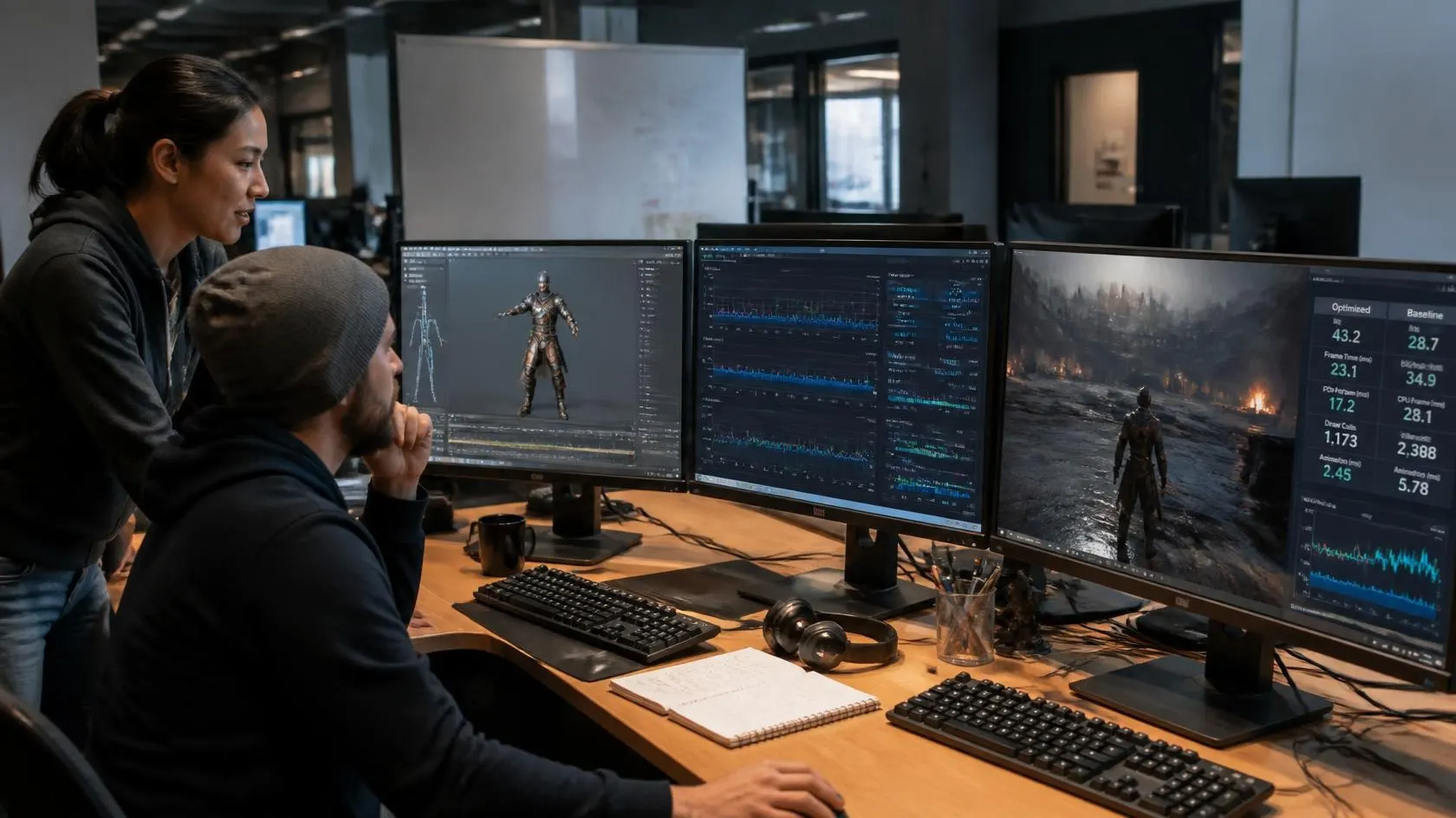
A disciplined workflow helps animators create expressive motion without overwhelming the engine. Performance should be considered during asset creation, rigging, implementation, and testing rather than treated as a final-stage repair job. Start by profiling representative gameplay scenes. Test crowded battles, exploration areas, dialogue sequences, and effects-heavy encounters. Then identify which animation systems consume the most frame time.
Next, establish animation budgets for character counts, bones, update frequency, and expensive features such as IK. Use culling and LOD techniques where appropriate, simplify distant animations, and avoid unnecessary Animator states or layers. Finally, iterate visually and technically. The best results emerge when game animators performance remains part of the creative workflow, allowing polished motion and stable frame rates to coexist rather than forcing one to sacrifice the other.


